The worst feeling is when your cleaners show up to a house to clean it and can’t get in.
It’s a no-win situation for an owner. You still need to pay your employees or contractors for their time (at least partially), and there’s a good chance you’re not getting paid for the slot by your customer.
But there are a few things you can do to dramatically lower no-shows (although you’ll always get a few).
Let me explain everything you need to know about reducing no-shows in this short post.
Why Clients Ghost Their Cleaning Appointments
Before you fix the problem, you have to understand why it happens.
Most no-shows aren't about clients who hate you. The most common reasons are:
-
They forgot about the appointment (most common)
-
They mixed up the date
-
They didn’t realize they actually committed to the booking in the first place
You Don’t Want to Make it Too Easy to Book an Appointment
It’s the Goldilocks problem of appointment scheduling (for initial ones at least):
-
Make it too easy to book (no payment method, minimal details) and it’s too low commitment for a customer and they are more likely to no-show or cancel.
-
Make it too hard to book (i.e. fill out 20 pages of forms) and they won’t bother.
Most businesses make the mistake of making the initial appointment too easy to book.
Add some friction, you’ll get better customers and fewer no-shows.
The Forgetfulness Factor
People are busy and their inboxes are full. A single confirmation email sent three weeks before the job is not a reminder system. It's a wishful thinking system. If you're relying on clients to remember on their own, you're going to keep eating no-shows.
Ideally you send reminders on multiple channels as well (i.e. SMS), just don’t overdo it to the point of annoyance.
Build a Confirmation Sequence That Actually Works
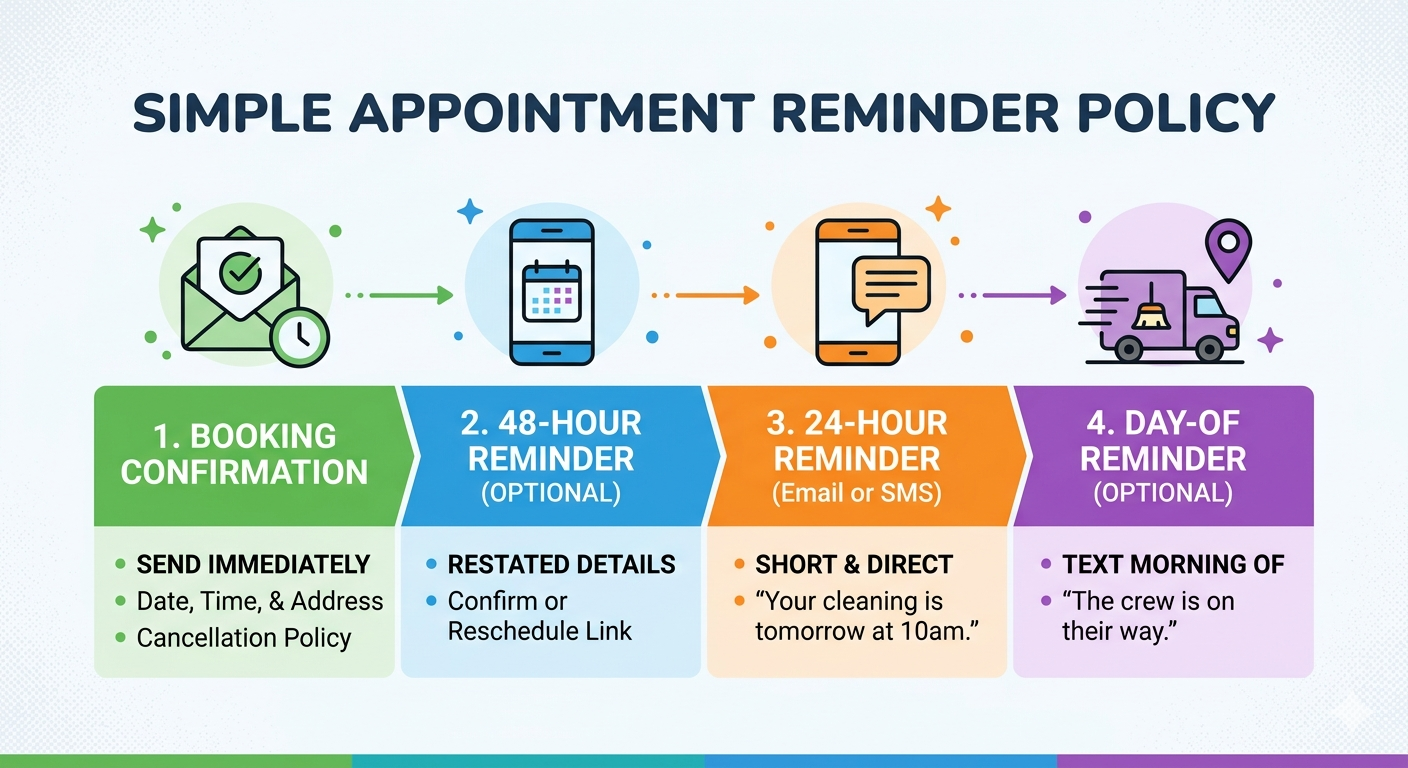
The most effective way to reduce no-shows from customers is a multi-touch reminder sequence. Not one message. A sequence. Here's the baseline that works for most residential cleaning operations:
-
Booking confirmation (immediate): Send as soon as the booking is placed. Include the date, time, address, and a clear cancellation policy.
-
48-hour reminder (optional, but if you want to be thorough): Restate the appointment details and include a one-click confirm or reschedule link.
-
24-hour reminder (Email or SMS): Short, direct. Something like: "Your cleaning is tomorrow at 10am."
-
Day-of reminder (optional, for high-value or new clients): A quick text the morning of confirms the crew is on their way.
Tools like CleanSlot automate this entire sequence. You configure it once and the reminders go out without you touching anything. That's the point. The less this depends on you remembering to follow up, the more consistently it happens.
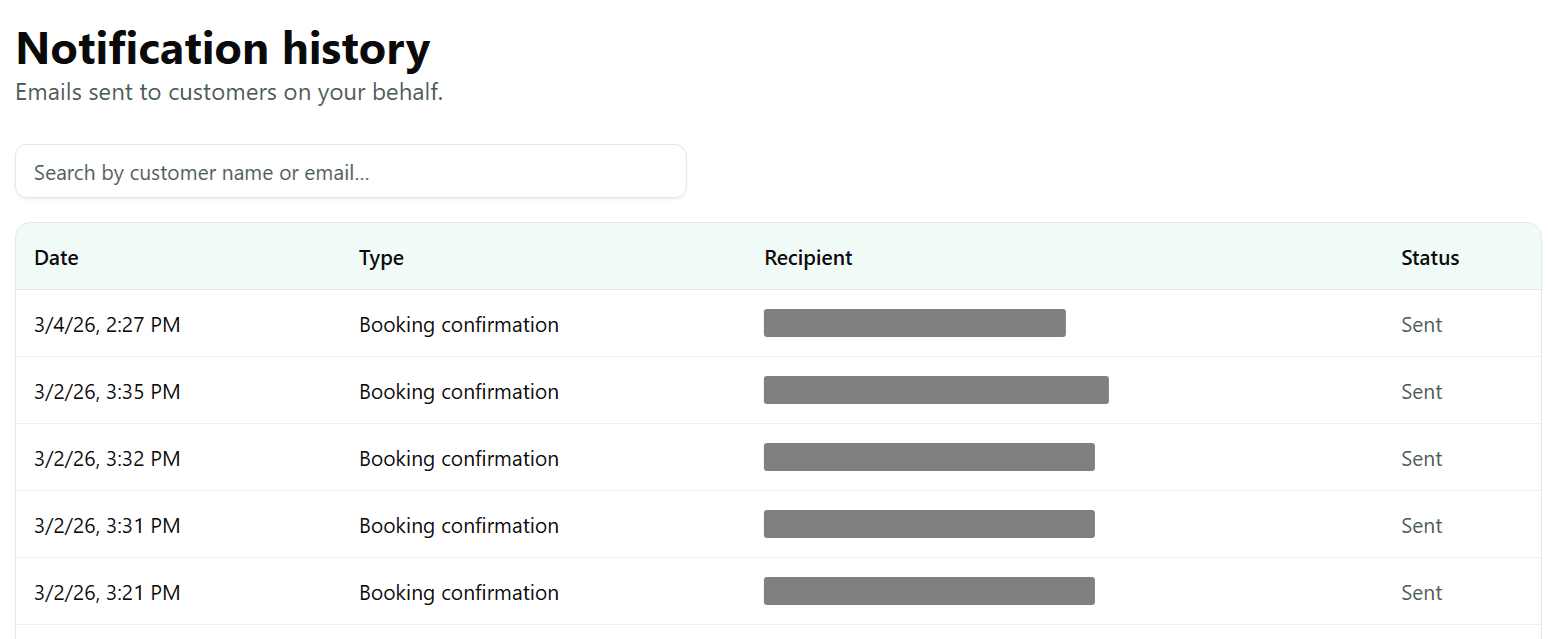
Make Confirmation a Two-Way Street
If you’re having way too many issues with no-shows you can even require a confirmation in the day before reminder, and follow-up with a phone call if you haven’t received a response a few hours before.
This will result in you having to cancel more appointments that would have actually been fine, so it’s not usually the best default approach.
Use Deposits and Cancellation Policies to Create Real Commitment
This is where a lot of cleaning business owners go soft. They're scared that charging a deposit or enforcing a cancellation fee will push clients away. Some will leave. The ones who stay will show up. That's the trade you want to make.
Even if you don’t want to charge a deposit when customers book, save their credit card details. That’s the perfect level of added friction in most cases, and also makes it easy to charge them later, rather than having to chase down manual payment methods.
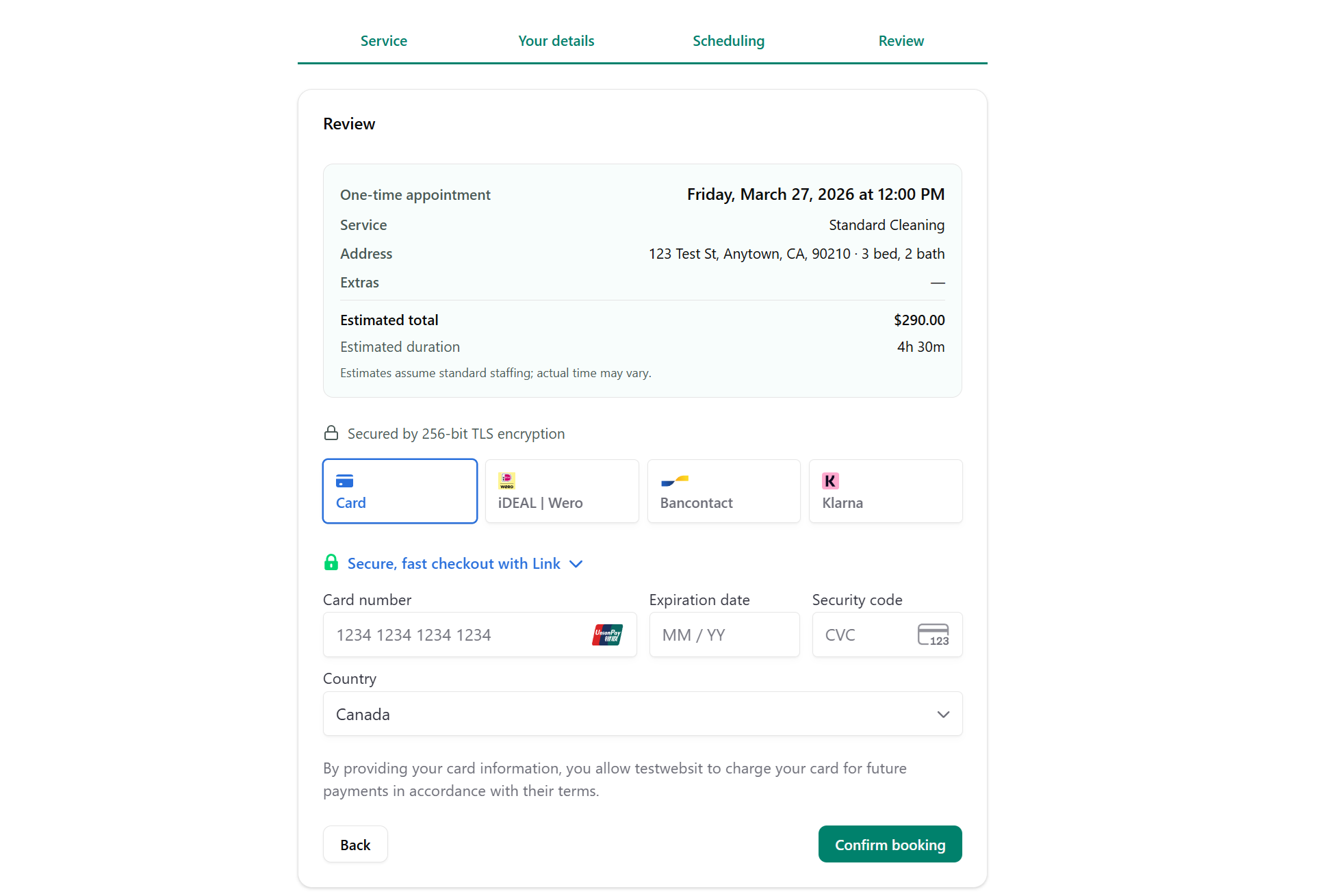
How to Structure Your Deposit Policy
A deposit between 20 and 50 percent of the job value is a reasonable threshold for first-time or high-value bookings. You're not trying to penalize anyone. You're filtering out the clients who were never going to take the appointment seriously in the first place.
Communicate the Policy Before Booking, Not After
Post your cancellation terms clearly on your booking page. Bury them in an email after the fact and they don't count. Clients who see the policy before they book have no leg to stand on if they no-show. Clients who see it for the first time in a dispute email definitely do.
Common Mistakes That Make No-Shows Worse
Most cleaning businesses don't have a no-show problem. They have a process problem that produces no-shows. Here's what that looks like in practice:
-
Sending one confirmation and nothing else: A single email after booking is not a system. Clients need multiple touchpoints between booking and appointment day.
-
Accepting bookings with no payment information on file: No card on file means no consequence for no-showing. The client has zero financial exposure.
-
Making rescheduling harder than cancelling: If it's easier to ignore the appointment than move it, clients will ignore it. Give them a frictionless reschedule link in every reminder.
-
Treating every no-show the same: A first-time client who no-shows is a red flag. A long-term recurring client who has an emergency is not. Your response should be different in each case.
-
Never following up after a no-show: If you don't reach out, you lose the client and the revenue. A short, direct message the same day can recover the booking and signal that you're running a professional operation.
The fix for most of these is automating the confirmation and reminder workflow.
What to Do When a No-Show Actually Happens
No system eliminates no-shows completely. How you respond when one happens matters as much as the prevention side.
Contact the Client Immediately
Send a message (or even better call) within an hour of the missed appointment. Keep it short and professional. Don't lecture. Just state that the crew arrived, no one was home, and ask if they'd like to reschedule.
Many no-shows are genuine accidents, and a fast, professional follow-up often recovers the booking.
Apply Your Policy Consistently
If you have a no-show fee, collect it. Every time you waive it without a good reason, you're training clients that the policy is optional. Consistency is what gives your policy teeth. Charge the fee, offer to reschedule, and move on.
The one exception is if it’s a particularly difficult client who you get the feeling will leave a bad review, it may not be worth the fee in that case. You also may want to waive it for excellent long term customers who just had a mix-up.
Track Repeat Offenders
Some clients will no-show more than once. You need to know who they are. Require prepayment from clients with a history of missed appointments. If they object, that tells you everything you need to know about whether you want their business.
Your Next Steps
Reducing no-shows from customers comes down to three things: require commitment at booking, run a multi-touch reminder sequence, and enforce your policies without apology. Here's where to start:
-
Add a cancellation policy to your booking page today, before any other changes.
-
Set up a 48-hour and 24-hour automated reminder sequence using a tool like CleanSlot, which handles reminders, confirmations, and payment collection in one place.
-
Require a card on file or deposit for all new client bookings going forward.
Do those three things and your no-show rate will drop. Not eventually. Fast.