Picktime alternative for home cleaning businesses

Picktime offers basic scheduling functionality, but some users find reporting limited and the interface confusing for small cleaning businesses.

Why Picktime May Not Always Work Well for Small Cleaning Businesses

Common Picktime complaintsHow CleanSlot helps
Scheduling options and reporting are limited.CleanSlot’s scheduling algorithm is optimized for efficiency and minimizing downtime.
The interface can feel plain and confusing.CleanSlot’s intuitive interface makes it easy for teams to view and manage appointments.
Pricing is unclear.CleanSlot offers one transparent, affordable plan with everything included.

How it works

Get from signup to taking bookings in a few simple steps.

1

Define which services and pricing you offer

Create your account and fill out your business details, services, pricing, and contact info.

2

Set your business hours

Set when your business is open. Your booking page only offers times within those hours, so customers request times that fit your schedule.

3

Handle new quote requests

Get notified when a new quote request comes in, review the details, contact the customer if needed, and convert the request into an appointment when you're ready.

4

Schedule and get paid

When you create the appointment, customers get confirmation and reminders automatically. Payment collection is available through Stripe when you want to use it.

Run your cleaning business, don't let it run you.

Stop wasting hours on manual quotes and scheduling. CleanSlot gives you the tools to grow without the headache.

Booking & Scheduling

Booking & Scheduling

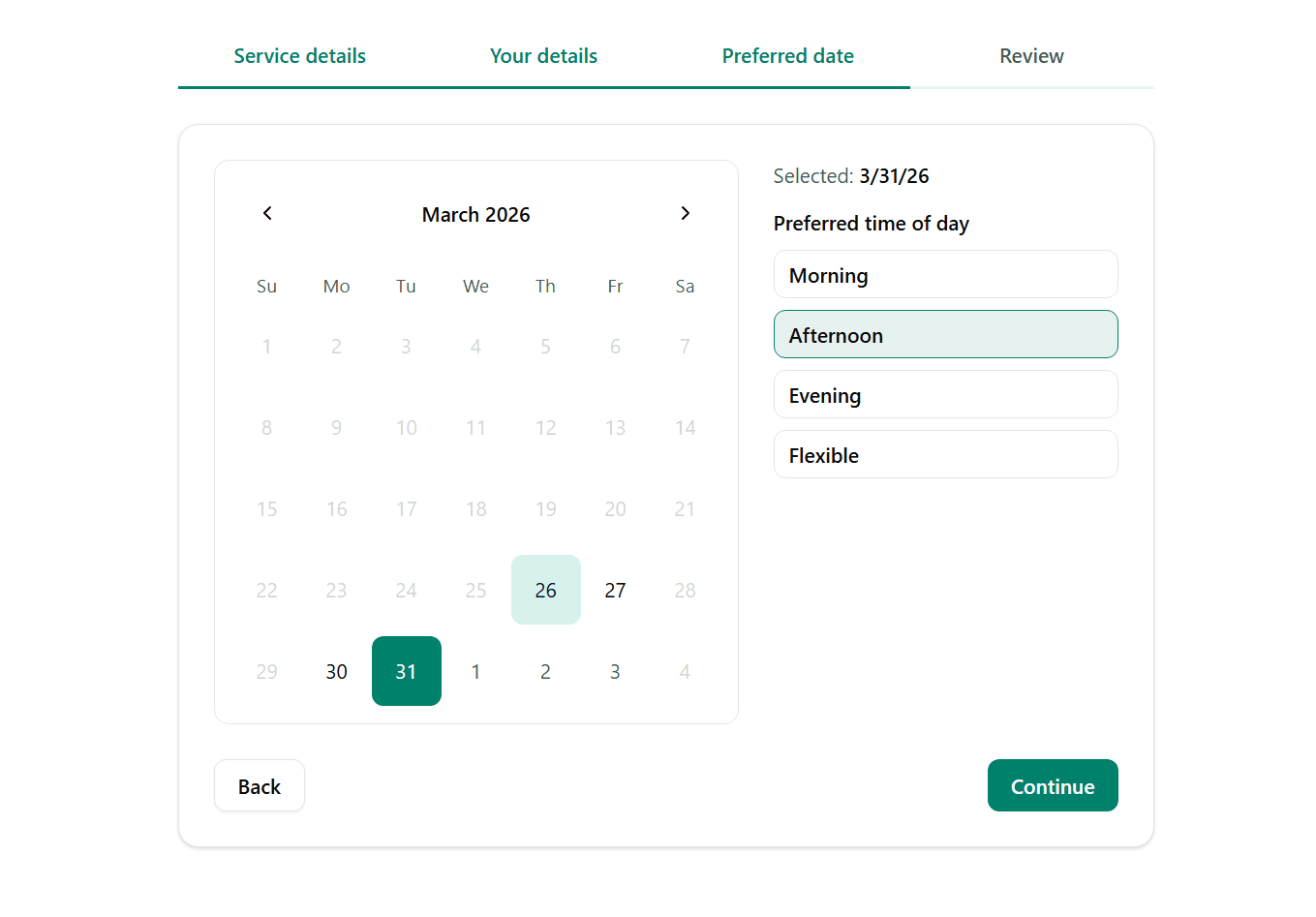
Let customers request quotes at any time, on their schedule. You review each request, reach out if needed, and turn it into a confirmed appointment in just a few clicks. Once scheduled, CleanSlot handles the confirmation and reminder notifications automatically.

Explore Booking & Scheduling
Recurring Appointments

Recurring Appointments

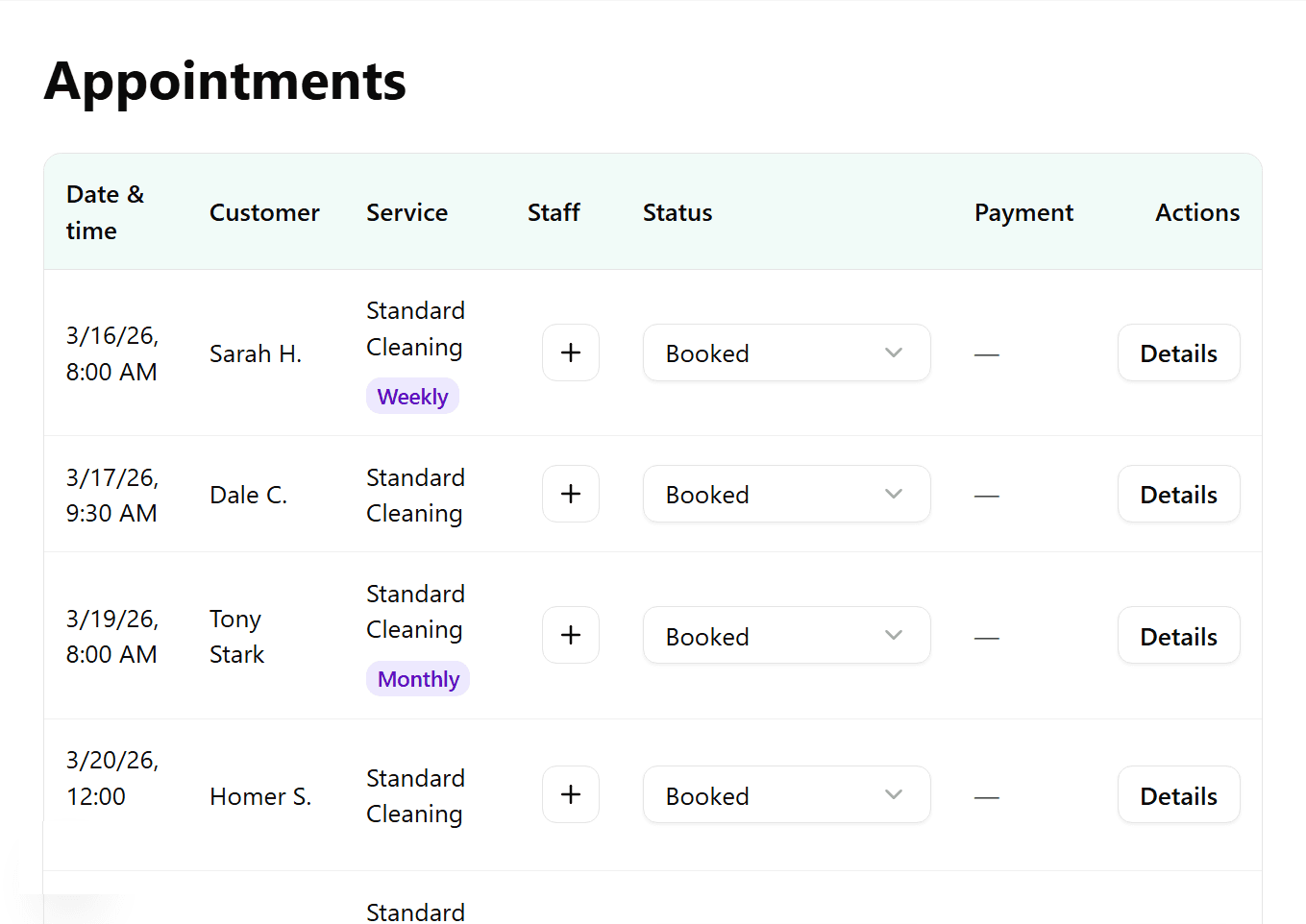
Accept weekly or monthly cleans (on top of one-off bookings). You can edit any individual appointment or the recurring series as a whole. Assign appointments to your team members to keep everyone organized.

Explore Recurring Appointments
Payments & Billing

Payments & Billing

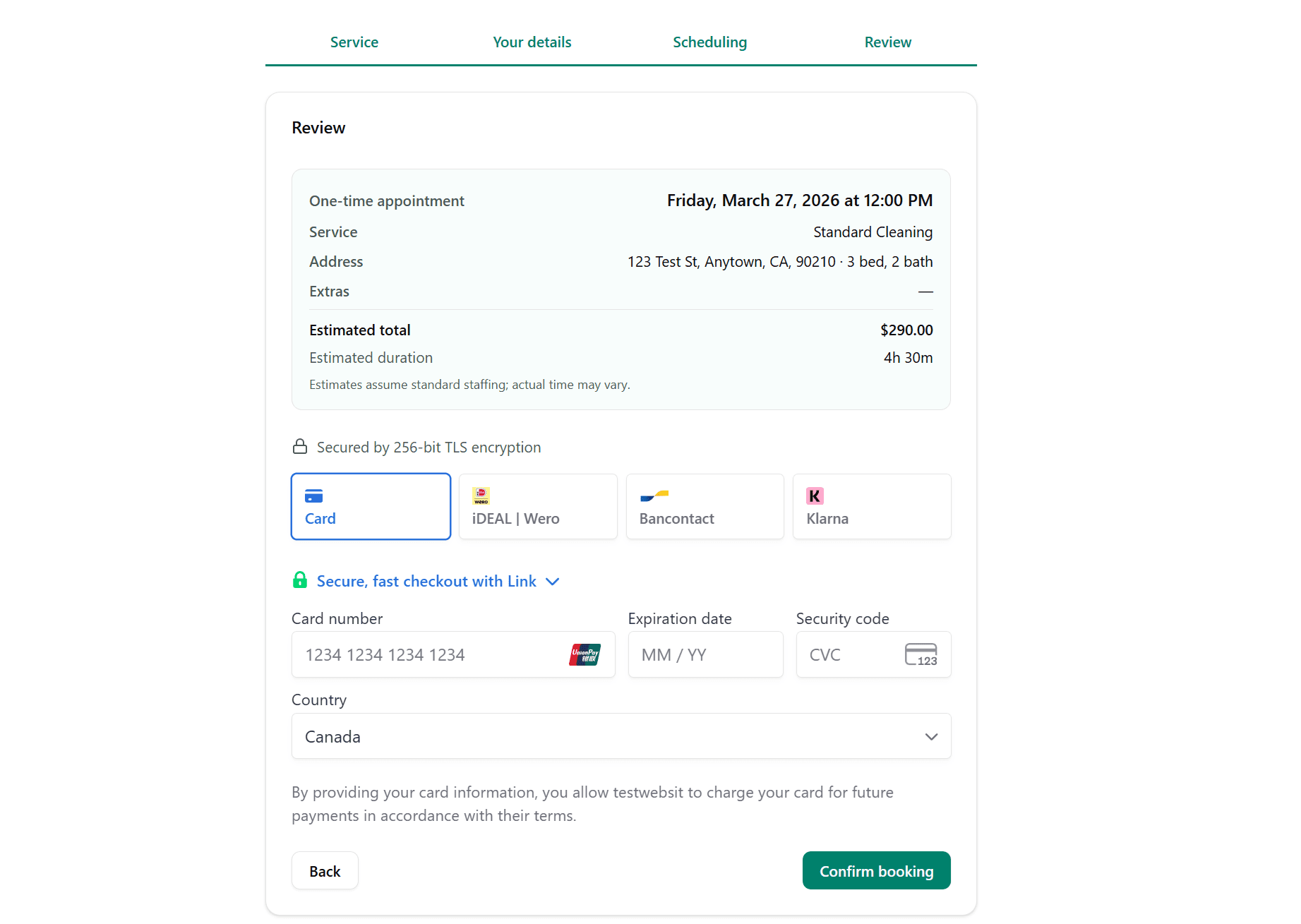
You can choose whether to collect a payment method during intake. When a job is complete, you can collect payment from your dashboard through Stripe with just 2 clicks. All funds go to your Stripe account; we never touch it.

Explore Payments & Billing
Notifications & Reminders

Notifications & Reminders

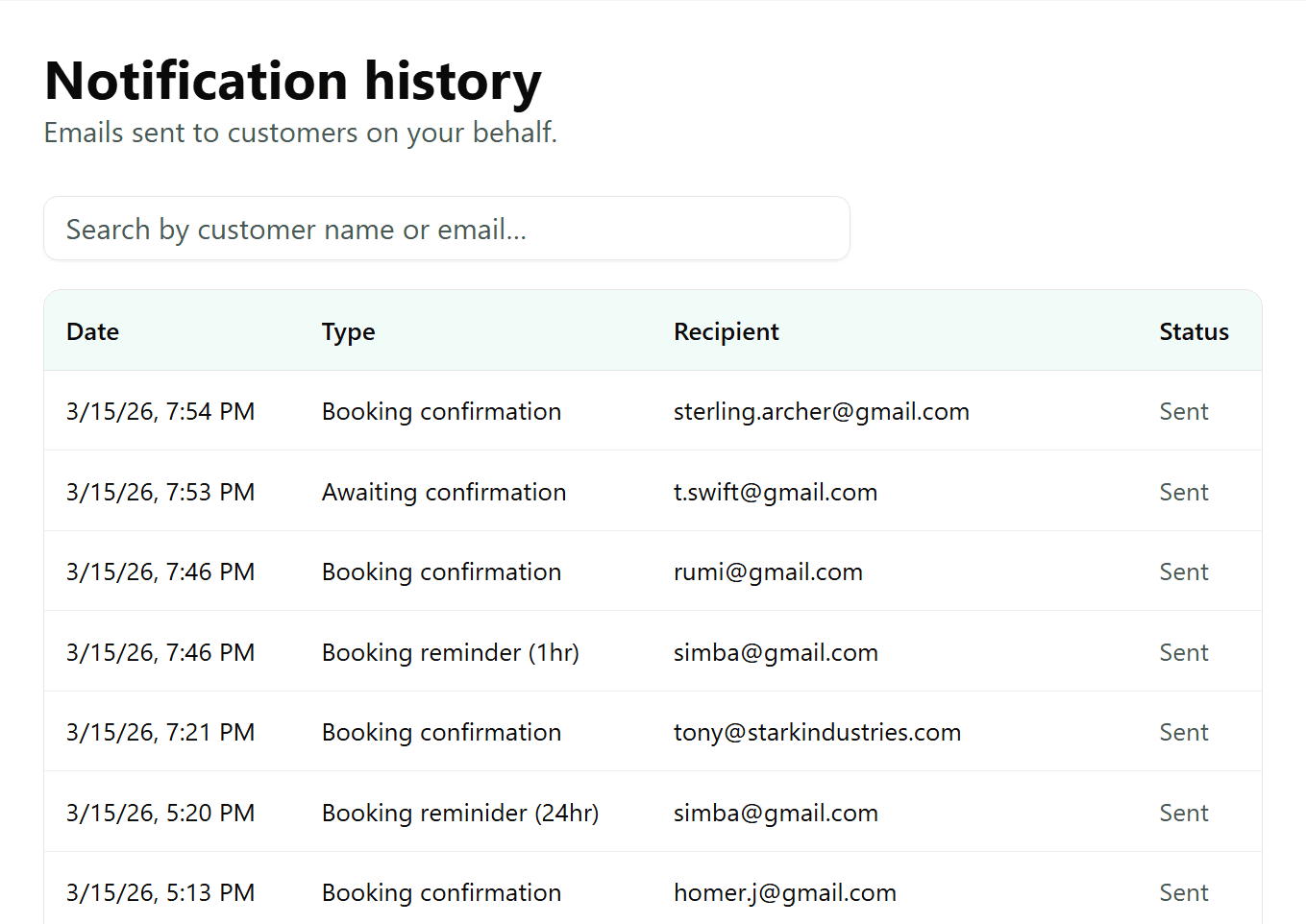
CleanSlot automatically sends reminders to your customers to reduce no-shows and prevent as many future issues as possible. Add your customer service email and you'll be sent any responses from customers.

Explore Notifications & Reminders
Team & Staff

Team & Staff

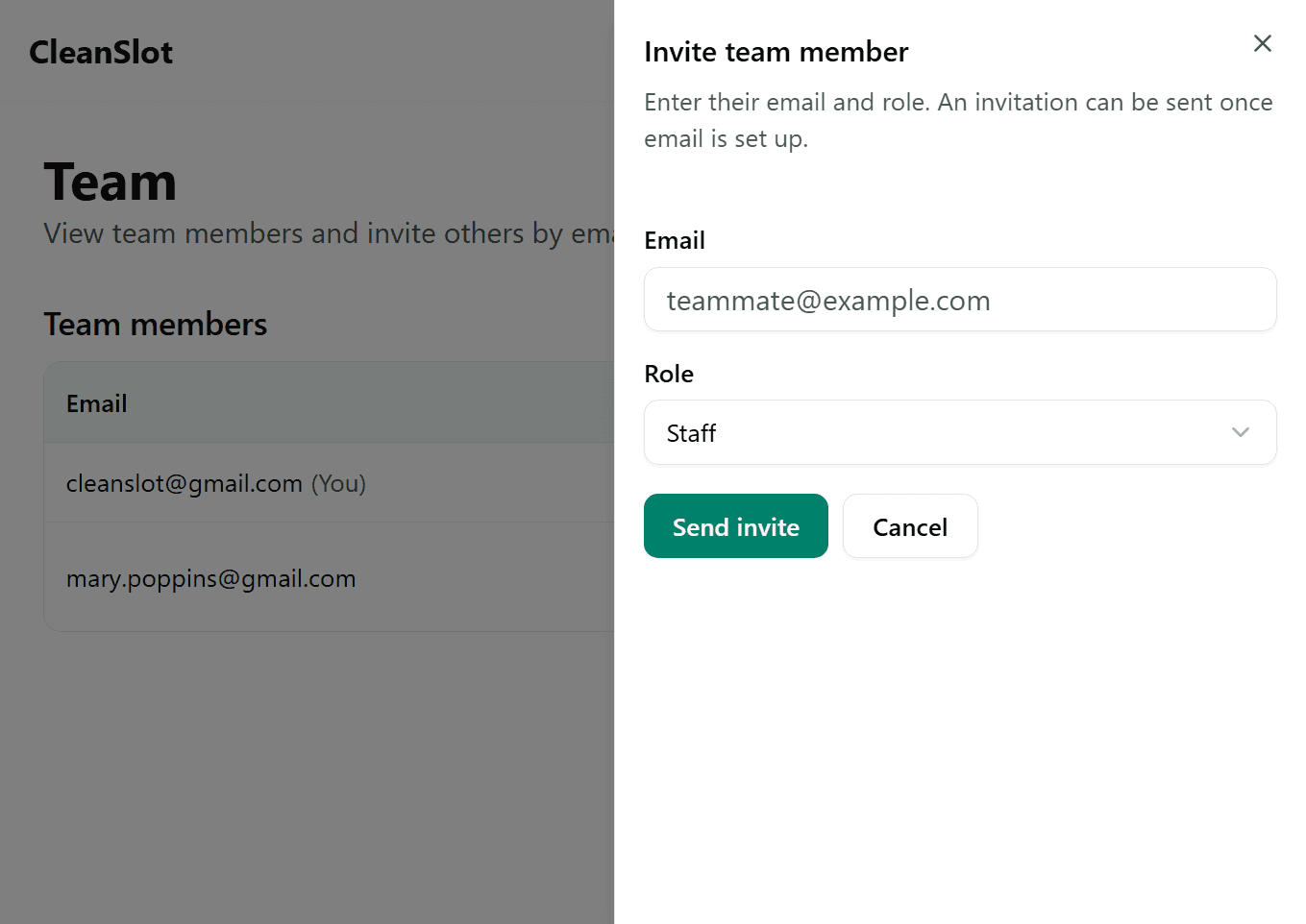
Add staff to your team in just a few clicks. Assign appointments to the right person and keep everyone aligned. Staff get a clean view of appointments assigned to them.

Explore Team & Staff
Works on any device

Works on any device

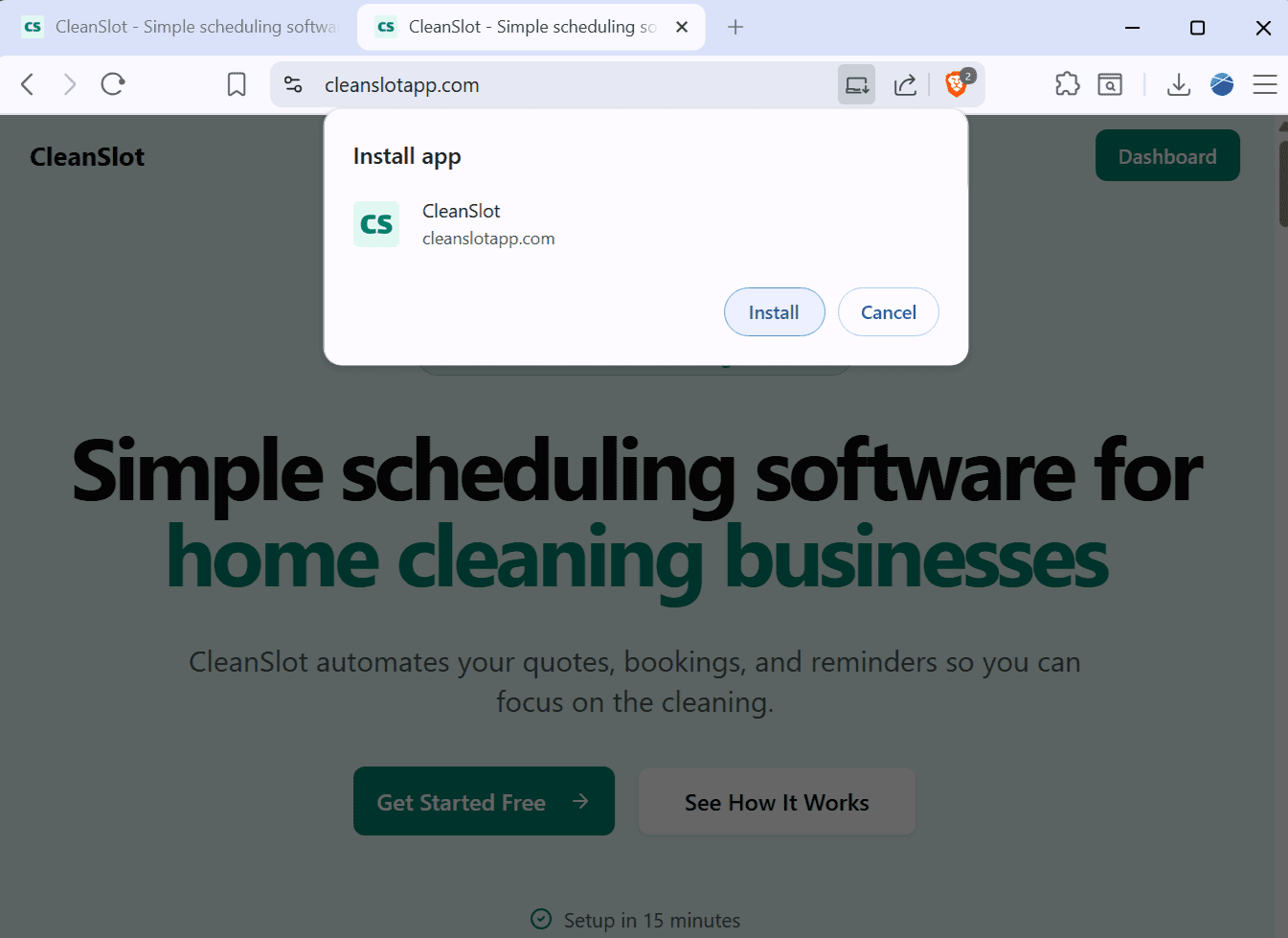
CleanSlot works from any modern browser on mobile or desktop. If you prefer, you can install it to your home screen (or desktop) so it launches like an app, without needing to download anything from an app store.

Explore Works on any device

1-20

Built for small teams

15 min

Setup time

$15

Starts at / first seat

Simple

No enterprise bloat

One plan. Simple pricing.

14-day free trial. Then $15/month for unlimited staff. No tiers, no surprises.

Pro

All features included. One simple price.

$15/month

14-day free trial

  • Unlimited Staff
  • Unlimited Bookings
  • Automated Quotes
  • Email Reminders
  • Recurring Jobs Management
  • Secure Payments*
Get Started for Free

Cancel anytime.

* Stripe charges a transaction fee on payments from your customers. We don't add any fee on top of that.

Frequently Asked Questions

Common questions about CleanSlot.

Ready to simplify your business?

Join other small cleaning businesses saving time and booking more jobs with CleanSlot.

Get Started for Free